2010-07-11
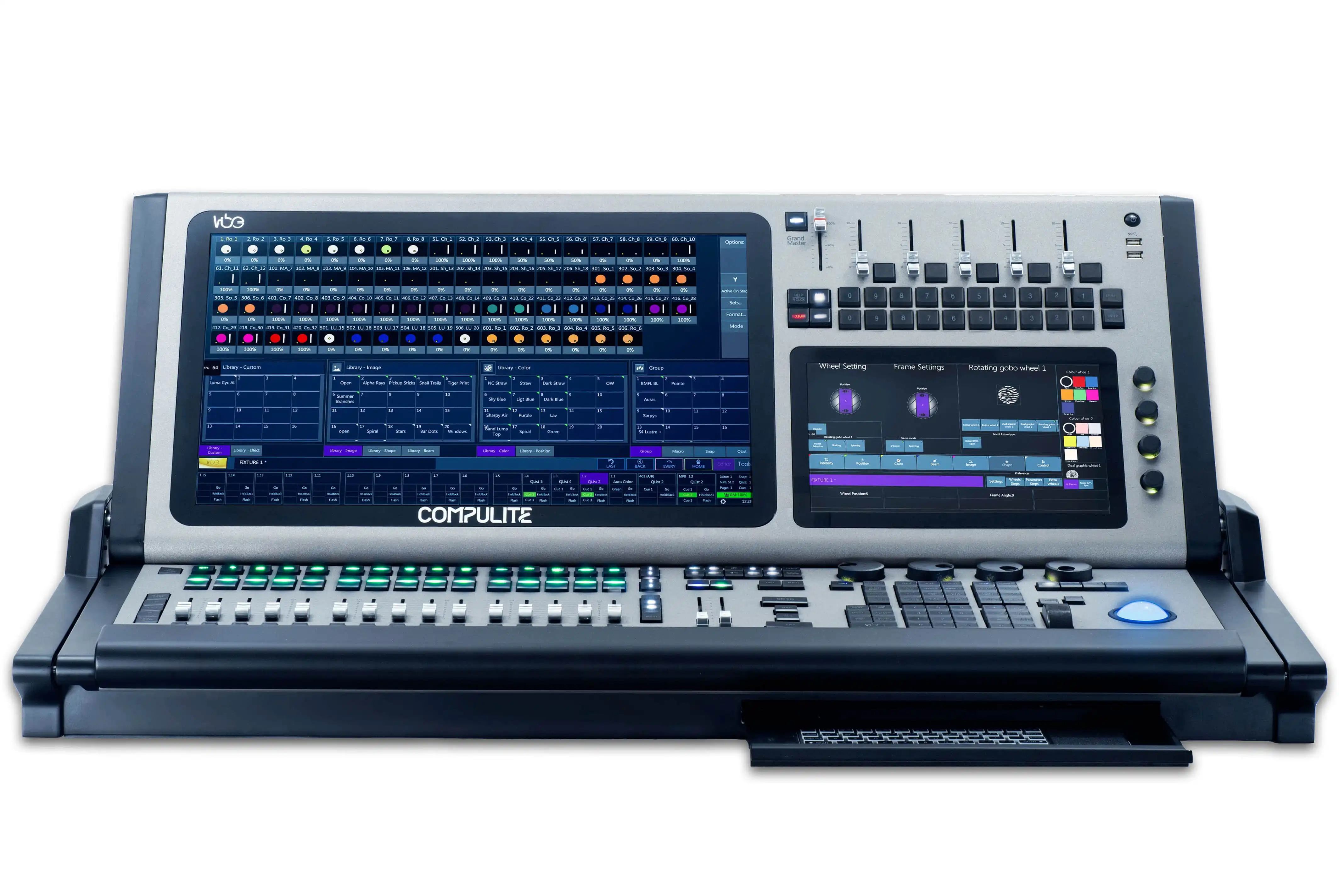
Compulite is proud to annouce the release of the new Dlite USB and PC Software V50.0R03, which includes an array of new and improved features such as:
Trigger PB
You can now add up to 4 triggers per cue on the Cross fader which can activate/deactivate assigned Playbacks:
B.P.M function
There is now a Bits per minute rate calculation for Chase's, which includes a "teach" function which enables you to "teach a beat" by tapping on the PB Select Key for the chase that is running:
New and improved view options dialog
The view options dialog screen now includes more color themes, new library display options, a decimal format display, and the ability to display 20 channels in a row, plus more..
New PC Panel
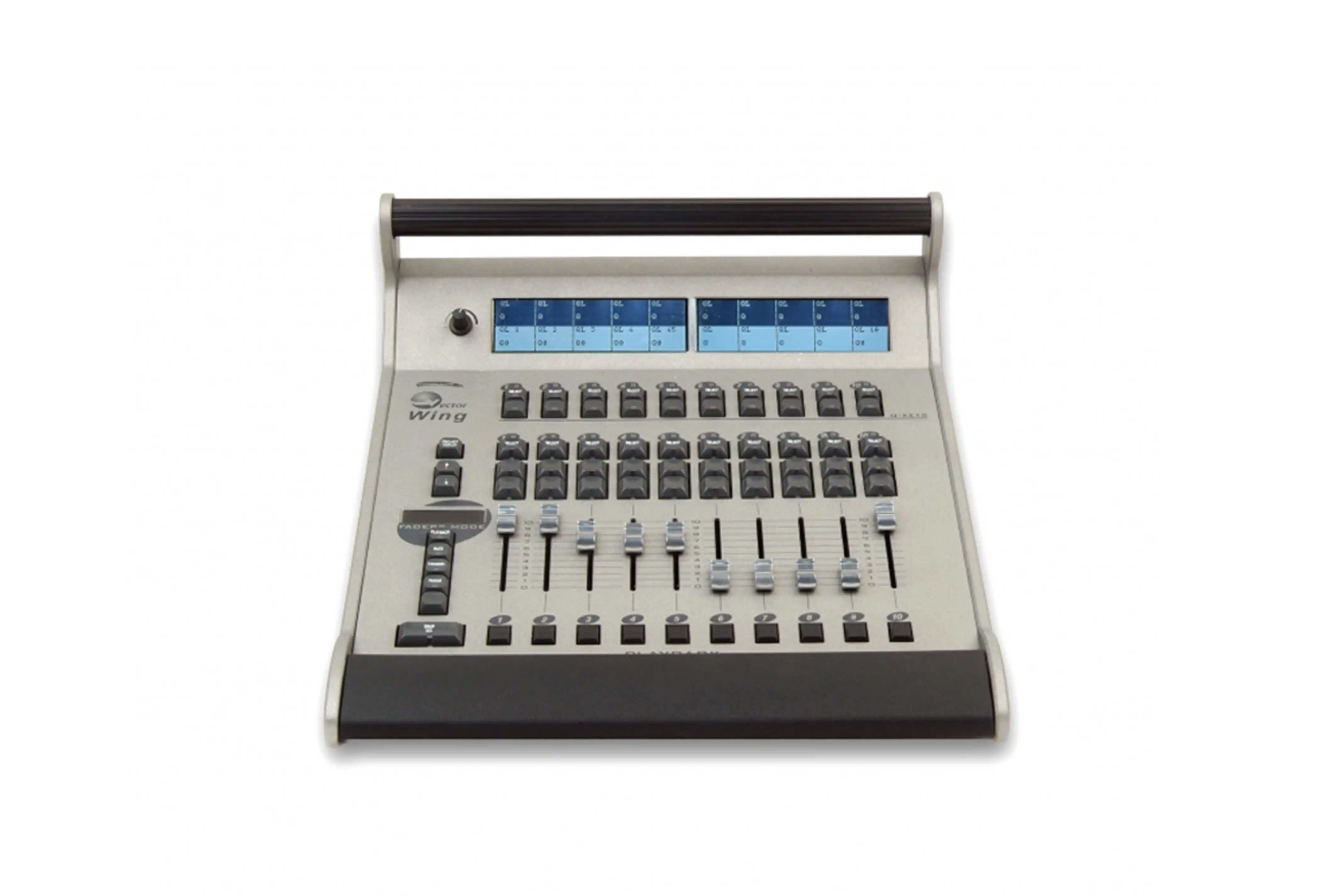
The Dlite new PC panel now includes an option to add and Remove wings; you can also enable and disable keyboard hot keys on the panel, edit them and save them as a personal hot key mapping layout.
An option was also added to enable you to select from either USB or Floppy mode, this in-turn will now simulate the limitation of the mode selected according to the console limitations.
All the above options are available in the menu of the new PC Panel, which is automatically hidden to save screen space. This menu can be displayed by simply moving the mouse to the left hand corner of the main panel or by right clicking the mouse at any spot that the small hand appears on the Main PC panel.
New Remote Panel
The Remote panel is a new application that gives you the ability to control your console from a remote location, simply by selecting from a list of consoles available on the Network.
Using the Remote panel you can do just about anything on the console, including modifying the System settings, creating and editing lighting objects and assigning them to PB's and saving snaps, etc'
Same as the new PC panel the Remote panel also has many new features in the hidden menu. You can access the hidden menu by simply moving the mouse to the left hand corner of the main panel or by right clicking the mouse at any spot that the small hand appears on the Main PC panel.
The Remote panel is very similar to the new Dlite PC panel; it just has a slightly darker color.
The Remote panel is installed on your PC during the Dlite PC installation process.

External Monitor Indication Bar
The Status of the Console can now be viewed on the external monitor indication bar which includes information about the current show name, snap mode, cross fader Qlist, console IP, remote flag and many more.
"Context Mode" for Dlite Compact ONLY
A Flag has been added to the behavior settings of the console, to toggle the context mode ON or OFF for the Dlite compact consoles (which was always ON). This enables an easier work environment on the compact console.
Improved Trackball and Wheel Sensitivity
The Trackball and wheel sensitivity has been improved to enable fine tuning.
Highlight/Lowlight Custom Values
You now have the option to customize the Highlight and Lowlight values using a specific scene, this works the same as customizing the Home scene.
----------------------------------------------------------------------------------------------------------
For more details on this release:
Release notes download : http://www.compulite.com/downloads/50.0R03_Dlite_RN.pdf
Software Download : http://www.compulite.com/index.php?page_id=14
Enjoy this new release!!!
The Compulite Team..:)
|